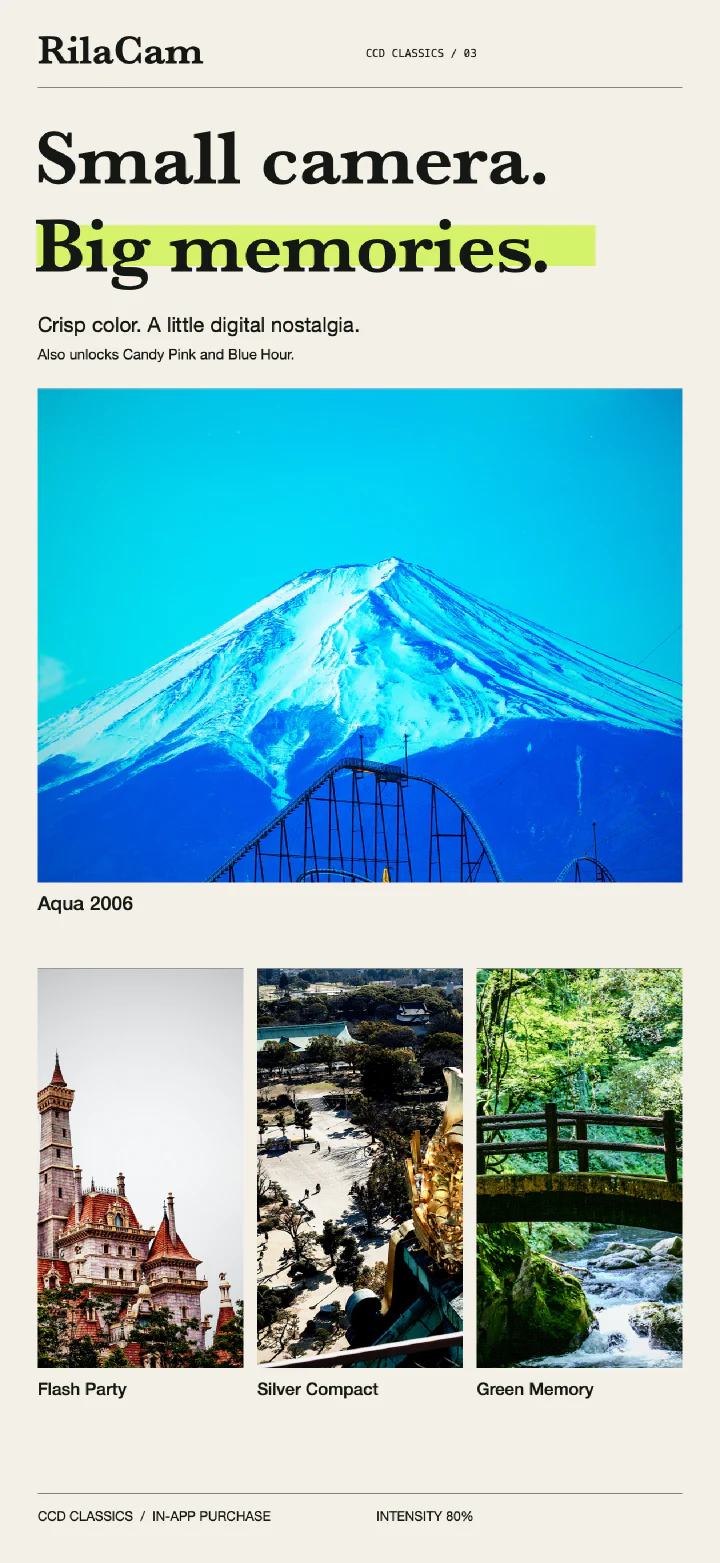
CCD Classics
Vivid early-digital colors for street scenes, greenery, and flash-lit parties.
Included filters & purchase details
Aqua 2006, Flash Party, Silver Compact, and Green Memory.
 RilaCam.
RILACAM / RETRO DIGITAL CAMERA
Give your iPhone photos the colors of early digital cameras.
Pick a filter and preview it as you shoot photos or video.
No account needed.
Browse the filters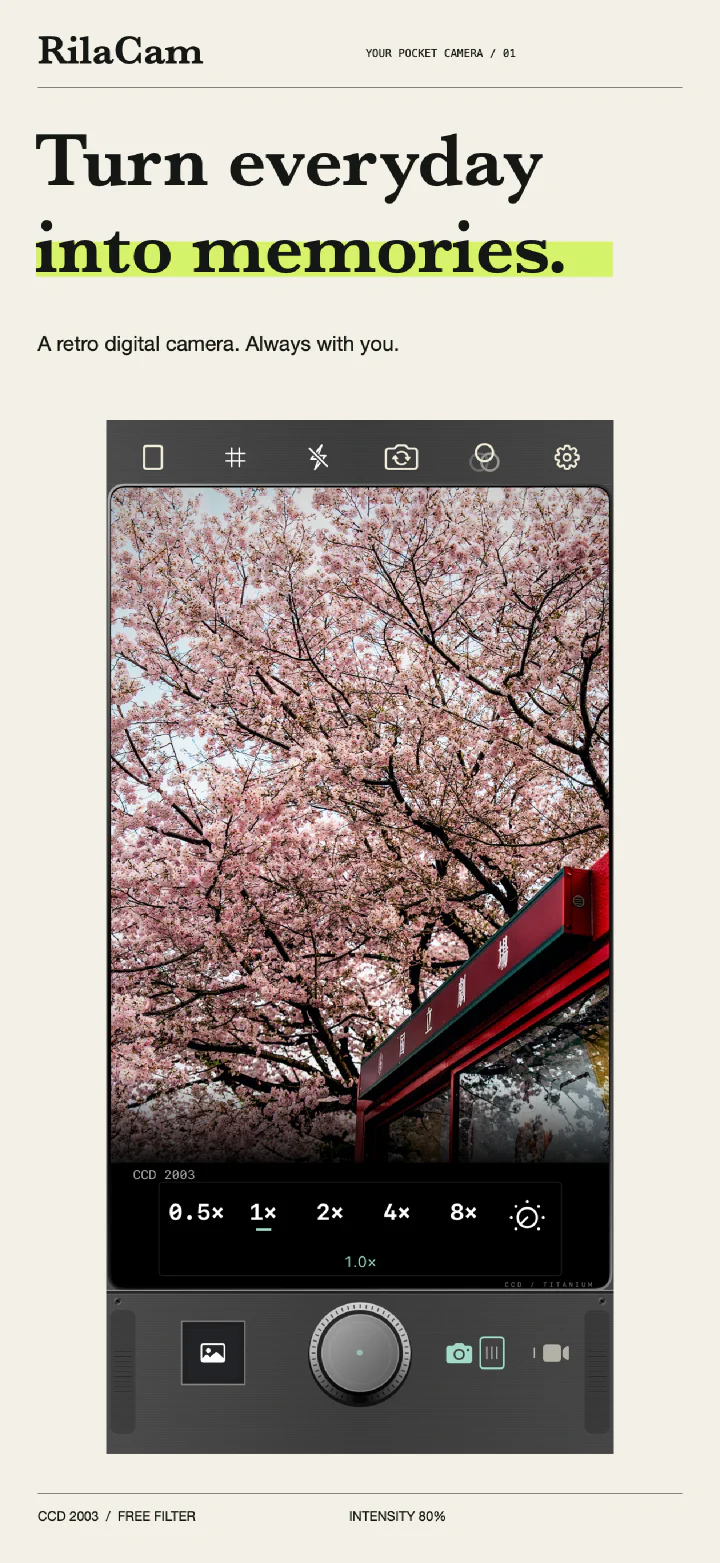
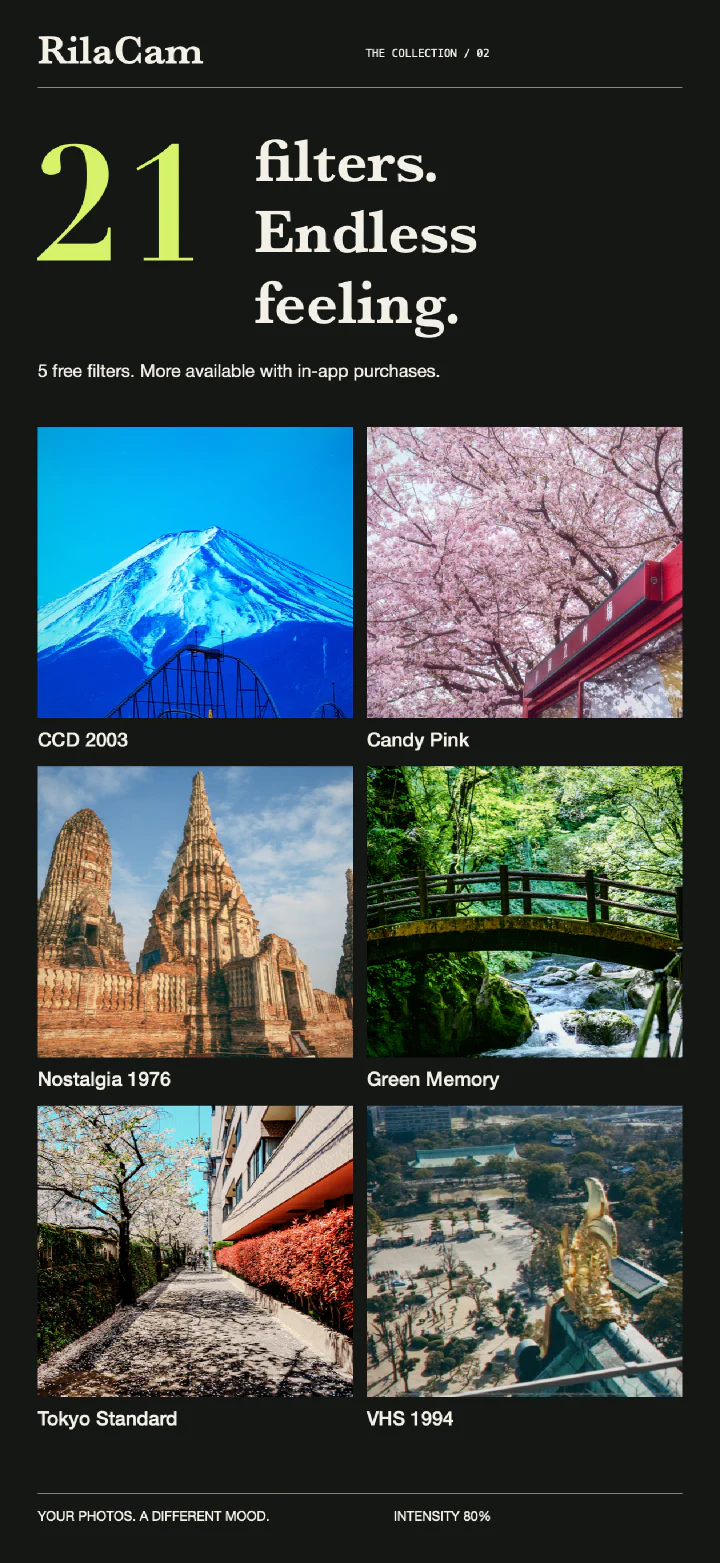
21 FILTERS
Try vivid digital colors, warm film tones, or a little grain. Start by shooting with the 5 free filters.
FILTER COLLECTIONS
From CCD color to black-and-white film.
See the results and the filters in each collection.
Vivid early-digital colors for street scenes, greenery, and flash-lit parties.
Aqua 2006, Flash Party, Silver Compact, and Green Memory.
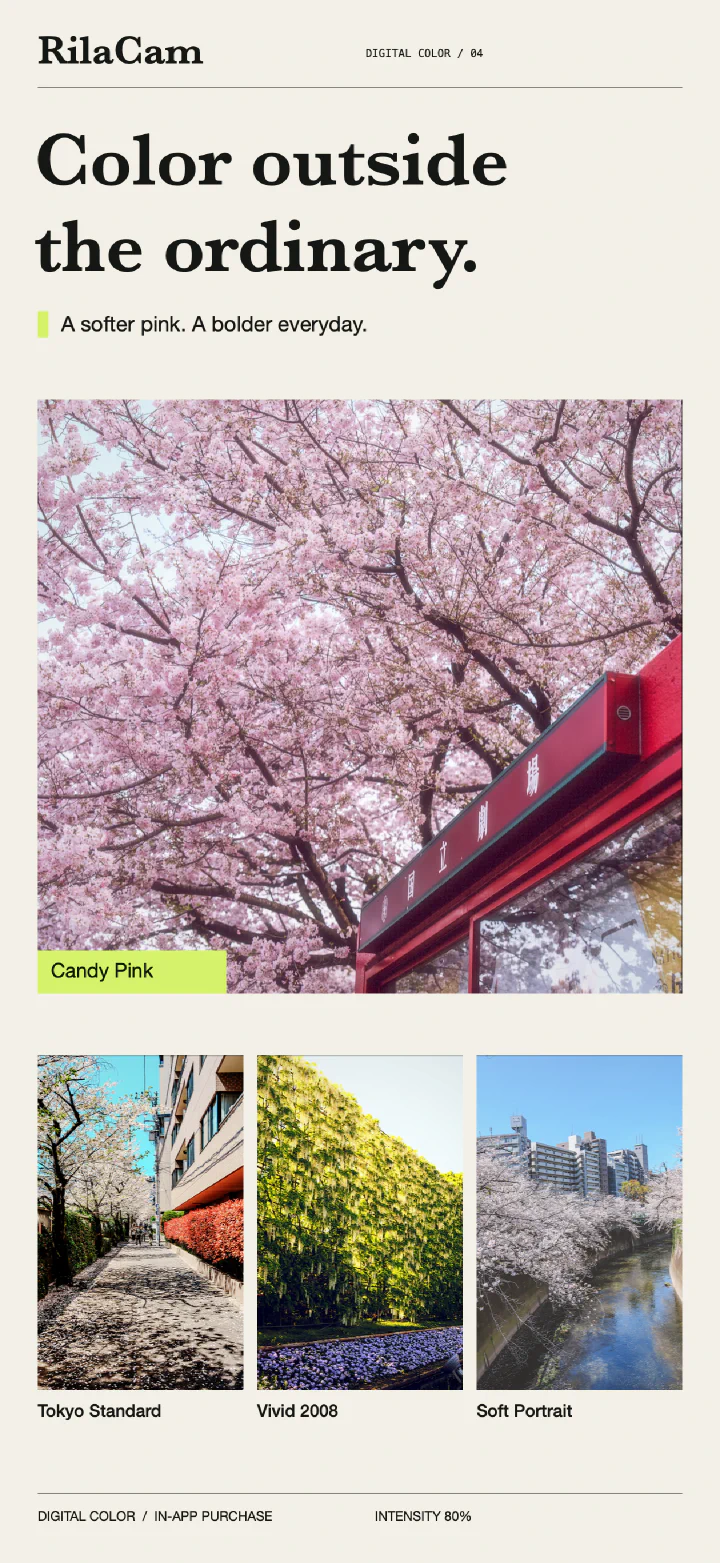
Soft pinks and richer colors to try on flowers and portraits.
Tokyo Standard, Vivid 2008, Soft Portrait, and Candy Pink.
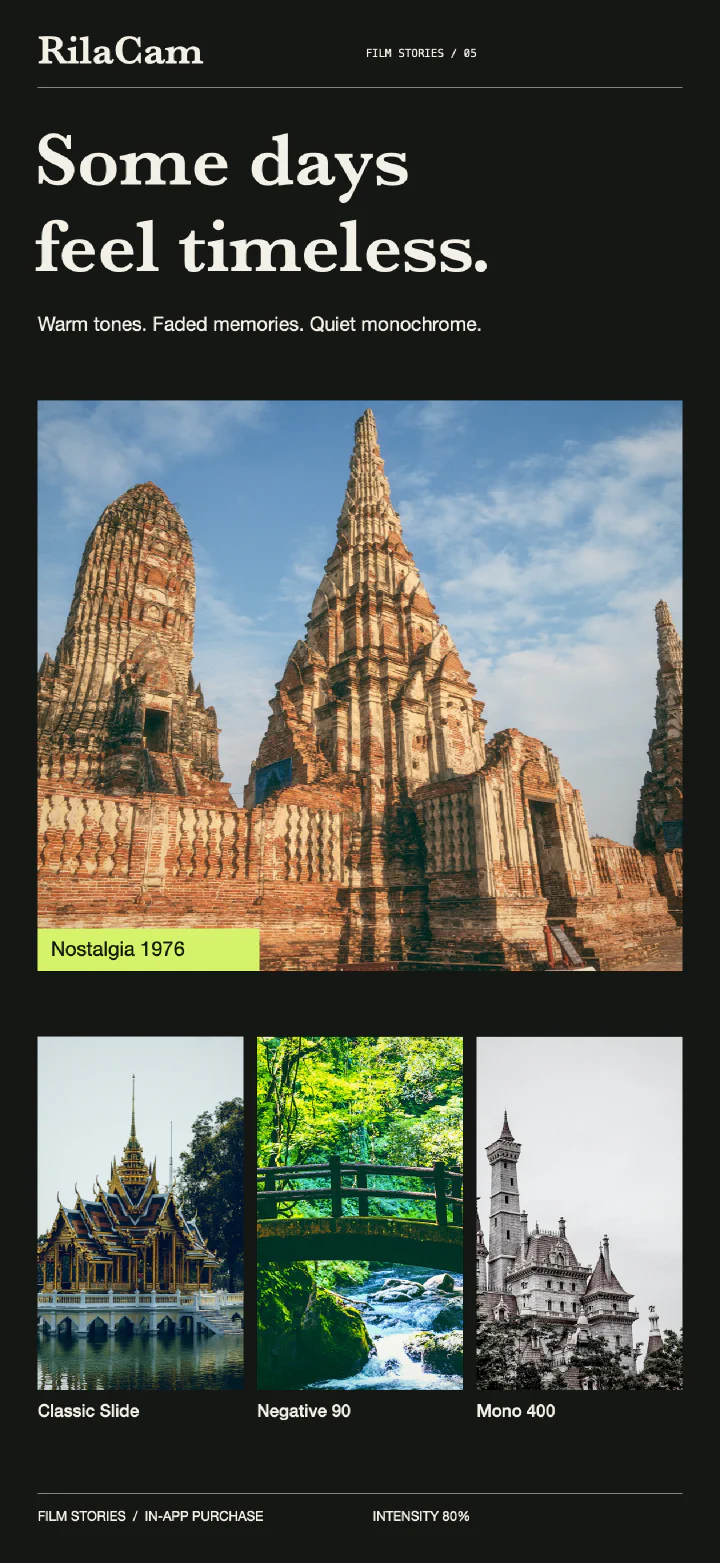
Warm tones, faded colors, and black and white, with film-inspired grain.
Classic Slide, Negative 90, Nostalgia 1976, and Mono 400.
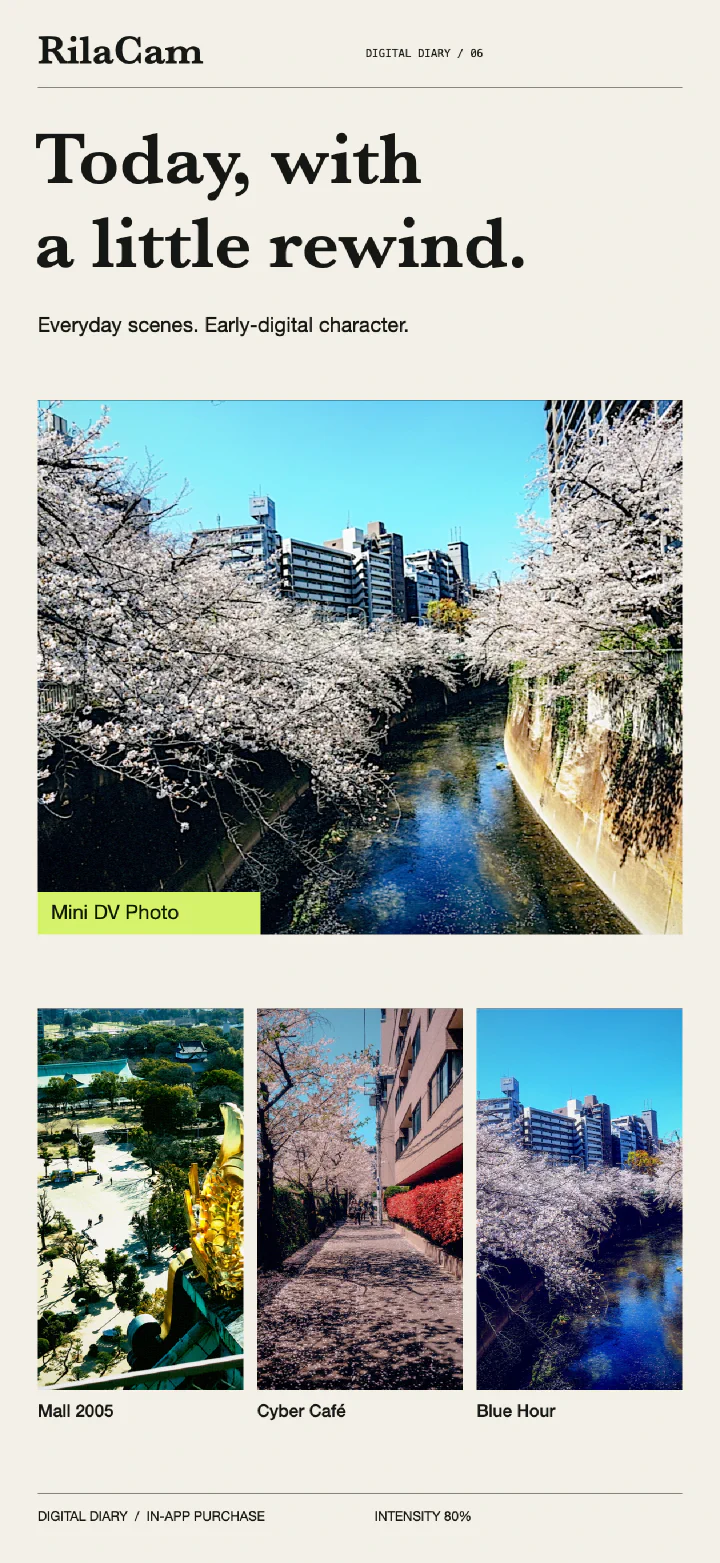
Early DV and digital-camera tones for street scenes and evening light.
Mall 2005, Cyber Café, Mini DV Photo, and Blue Hour.
Showcase images use 80% filter intensity. Results vary with the scene and your chosen intensity. Paid filters require an in-app purchase before you can save results. Collections are non-consumable purchases with Restore Purchases support. See the App Store for current prices.
CAMERA FEATURES
Preview filters live, then adjust
the intensity, framing, and grid.
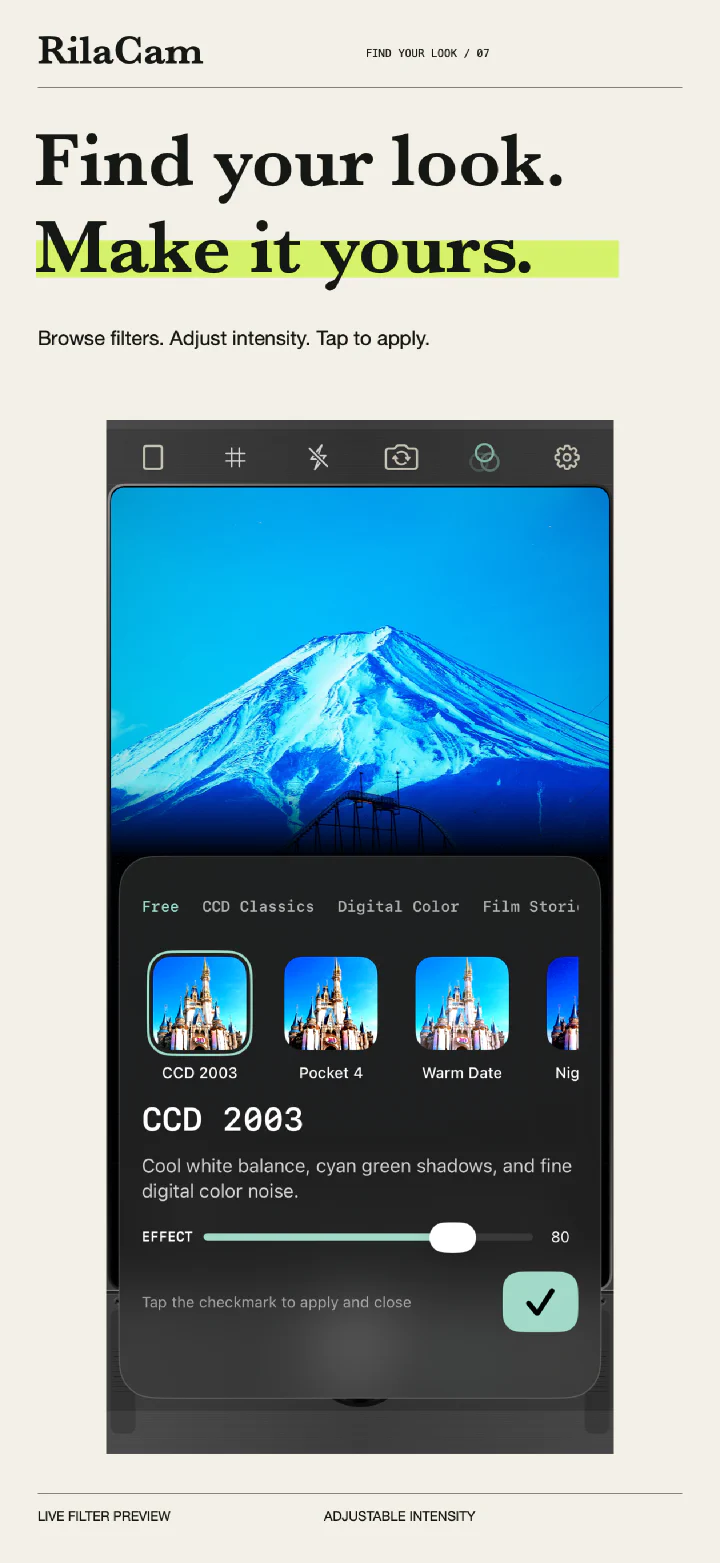
See the effect change as you adjust it. Each filter remembers its own intensity setting for next time.
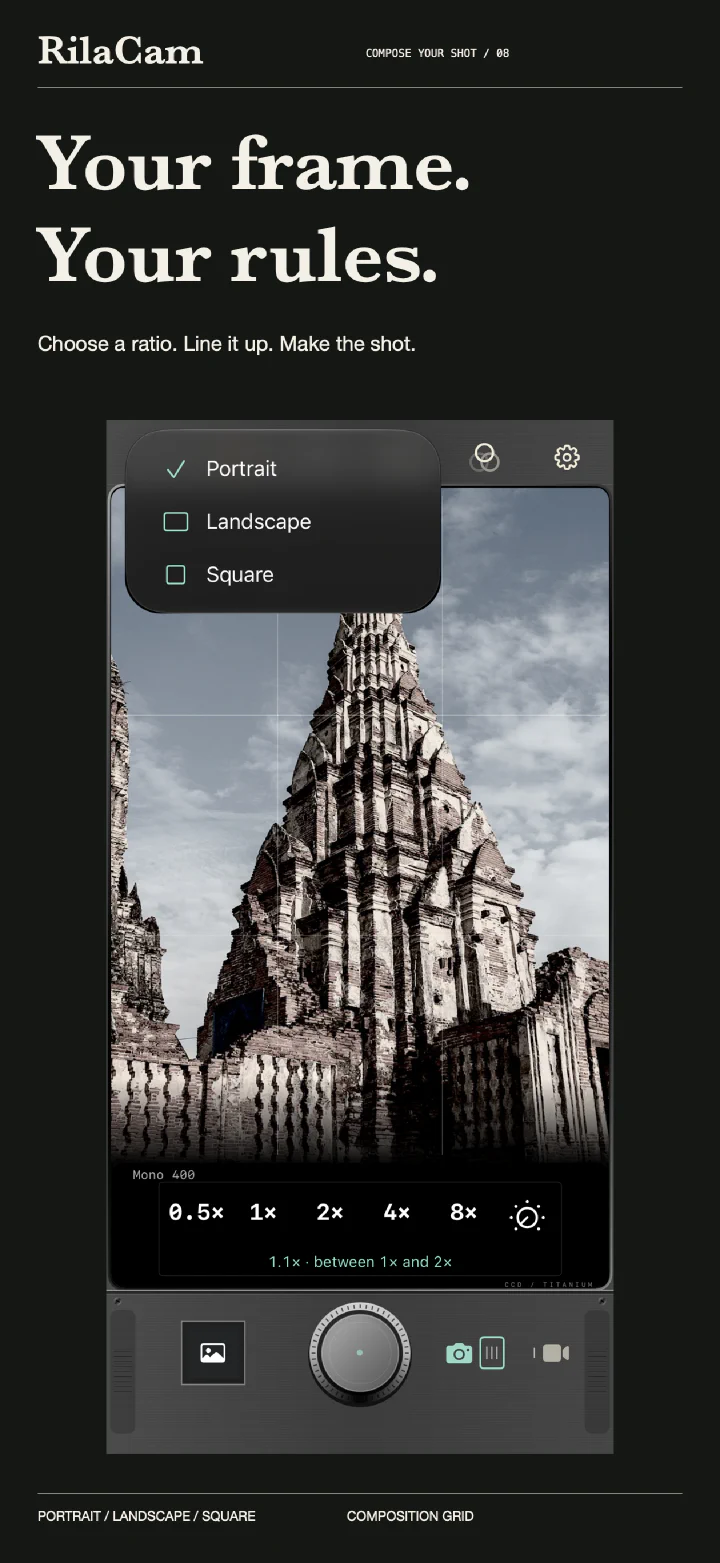
Choose 3:4, 4:3, or 1:1 framing. Turn on the grid to help compose your shot, then adjust the zoom.
PHOTO + VIDEO
Record at 720p or 1080p with the same filters you use for photos.
DATE + PLACE
Add dates, place names, or retro camcorder-style timestamps to photos and videos. Location is off by default; turn it on when you want a place name.
SAVE & BROWSE
Save JPG or HEIF photos at up to 12MP. Open My Work to zoom into your photos or replay a video you just made.
Images showcase the app interface and filter rendering. Available lenses, zoom and flash controls depend on your iPhone. Output resolution may be lower depending on the lens, crop, and shooting conditions. Camera Control requires supported hardware and iOS 18 or later.